Your Pre-Game Partner
Easy-to-use team management tools help give you a competitive edge.



Streamline your season with free team management features
From pre-season setup to game day updates, keep your team connected and in-the-know with scheduling and messaging tools.

Rostering
Set your team up for success before the season even begins. In the GameChanger App or online, team creators simply select the option to create a team, enter the team’s information, then begin adding players and team staff. Previous GameChanger users can save time at the beginning of a new season by rolling over the roster of a team they coached before. Integrations with Sports Connect and MaxPreps also allow coaches to save time by syncing their team information into GameChanger in just a few taps.

Scheduling
Add practices, scrimmages, games, tournaments, and other team events to GameChanger at the start of the season so everyone knows where to be and when. It’s easy to add or modify additional events online or in the app throughout the season. And, staff and confirmed team family members can sync the team schedule to their personal calendars to keep everyone in the know.

RSVP
Know in advance who will be able to make practices, games, and other events with the RSVP function. Users can edit their RSVP responses at any time, and team staff can send RSVP reminders as needed.

Messaging
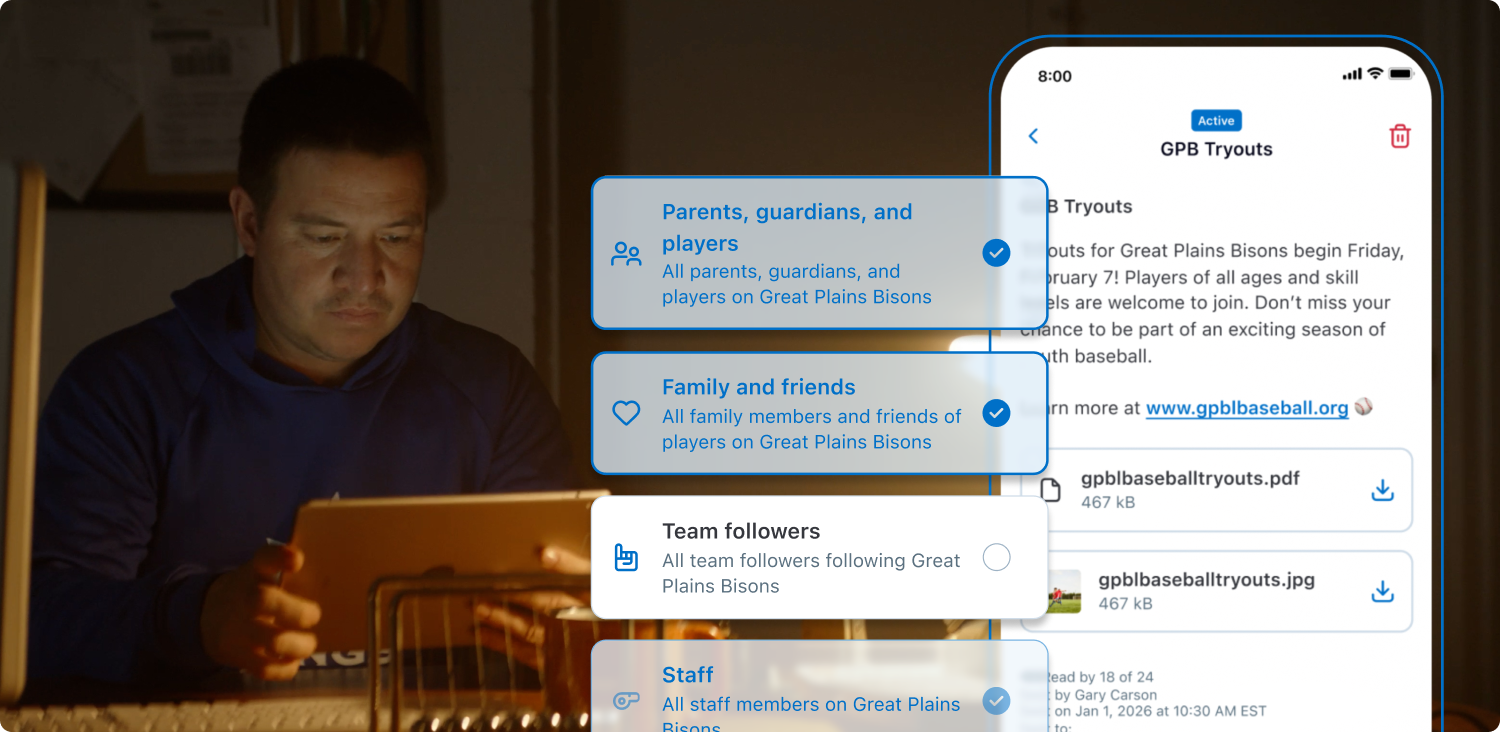
Coordinate rides, snacks, and jersey colors with the whole team or quickly communicate last-minute weather updates or venue changes with free in-app team messaging. In-app messaging allows coaches and team members alike to share information with the whole team, smaller groups, or individuals.

Photo + Video Sharing
Share photo and video highlights through in-app photo and video sharing. Shared photos and videos sent via team messaging are consolidated into an album so they can be downloaded and shared with other family members, friends, or on social media.
Team Management Building Blocks
Get the low-down on team setup with these helpful how-to videos.

Team Talk
Read about the latest team management features and updates.
Team Management FAQs
Find answers to frequently asked questions about GameChanger team management features. Need a hand? Head to our support page for more.
Visit SupportOnce you have made yourself an account on GameChanger, choose “Create New Team” in the app or “Add Team” online to get started. Then, select your team’s sport and enter basic team information and begin adding team staff and players.
Yes! The GameChanger App is free to download and it is completely free to create a team and utilize team management features. All GameChanger features — including premium features — are completely FREE for coaches and staff to use for their team.Parents and fans can join a team and utilize team messaging, scheduling, and RSVP for free. Additional features for parents and fans, like unlimited baseball and softball live stream viewing, highlight clips, and box scores, are available with a subscription starting at $9.99 per month (or $39.99 billed annually).
A FEW WORDS FROM OUR CHEERING SECTION

“This works great for team sports scheduling and communication.”
“This app has been awesome during the season for communicating with players and parents. I really enjoy the schedule being populated and how everyone can view the players and family members for a quick reference.”
“Awesome app for a coach of a youth baseball team! The ability to communicate with every parent in a group chat rather than having to email or text everyone for all team communications was amazing. Live streaming the game for the family to see, personalized video clips of your players at bats each game, this app is just awesome. I will 100% be using this to coach my son's teams moving forward.”
The Only App You Need This Season