
Coach Smarter
Why Busy Coaches Choose GameChanger

Score Your Team 's Games
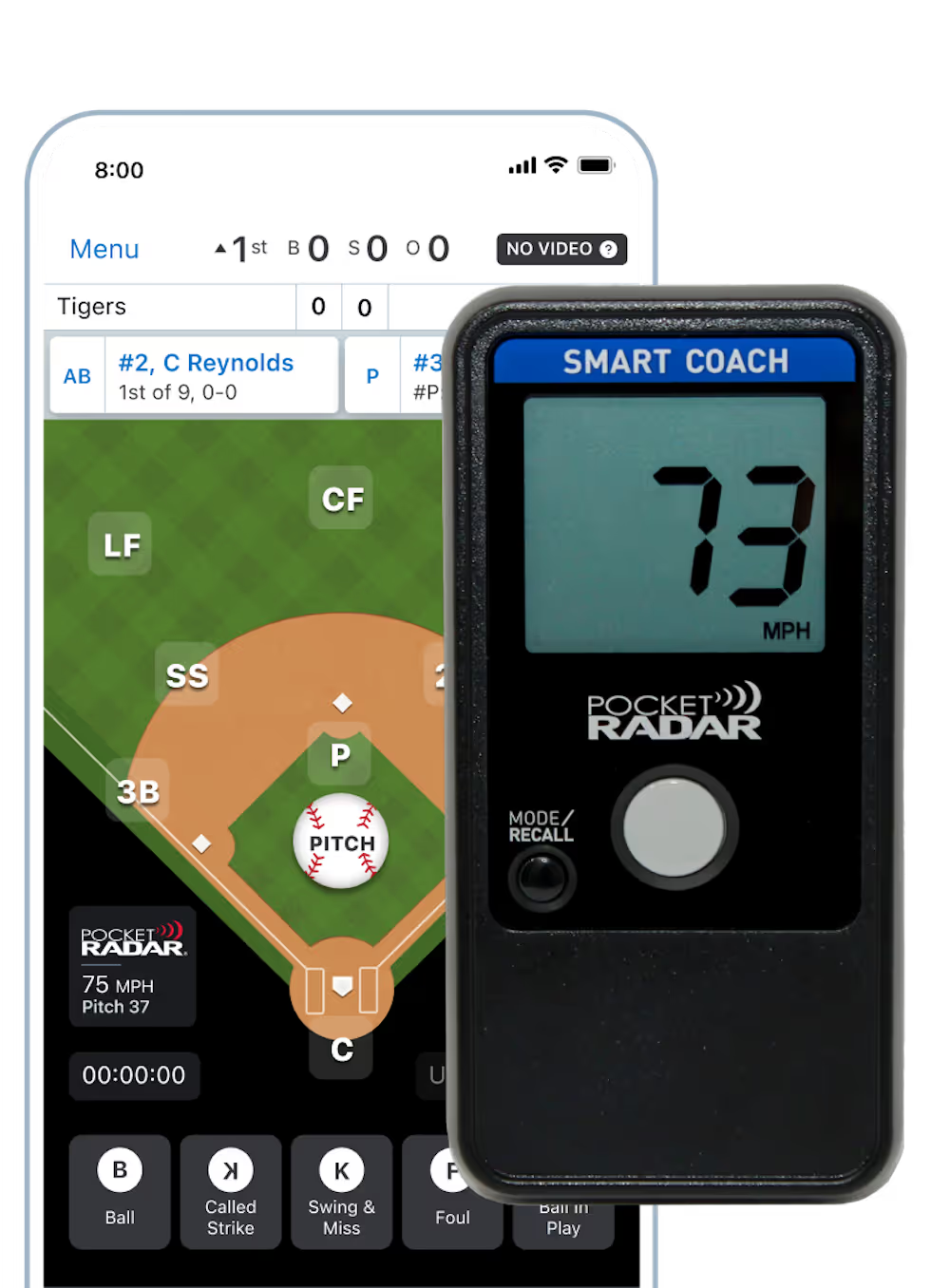
For coaches who want data and insights to drive practice plans, GameChanger helps you track every play so you can pair your coaching with insights that help your team progress throughout the season.
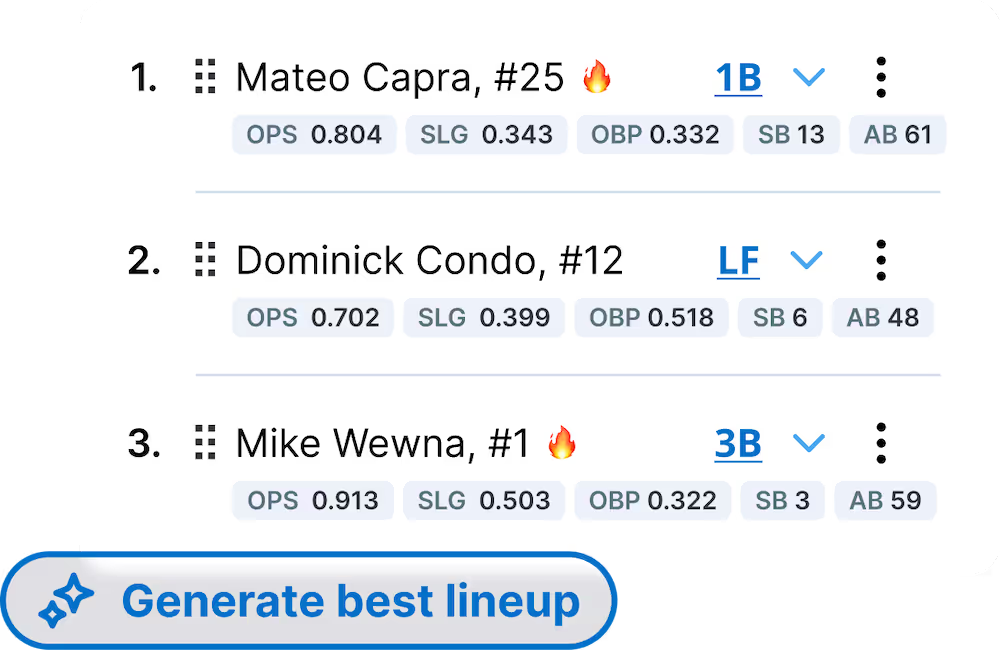
Save time and support confident lineup decisions before each game using new data-driven lineup recommendations.
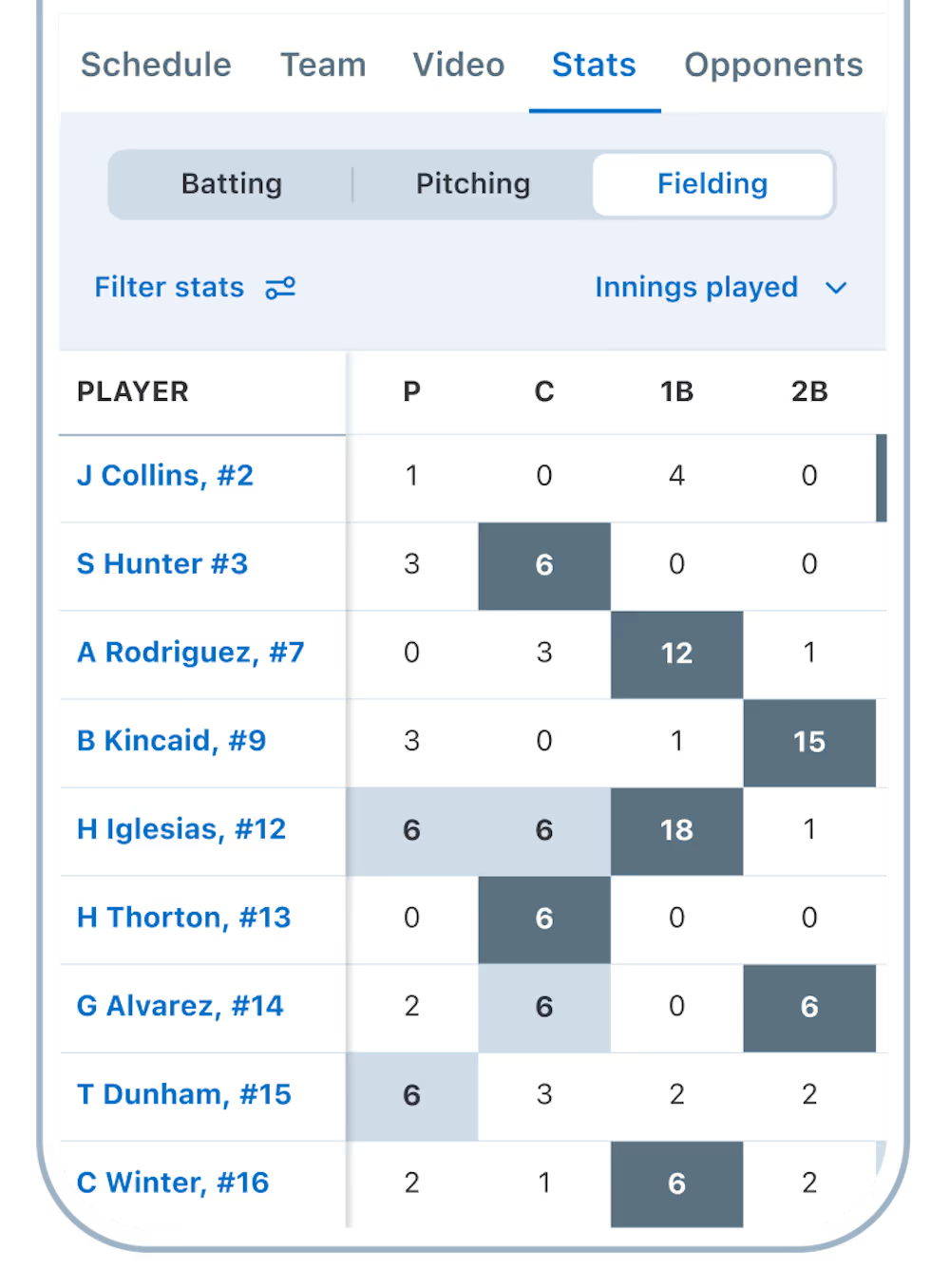
See new season-long defensive innings by position stats to better understand player usage and participation over time.
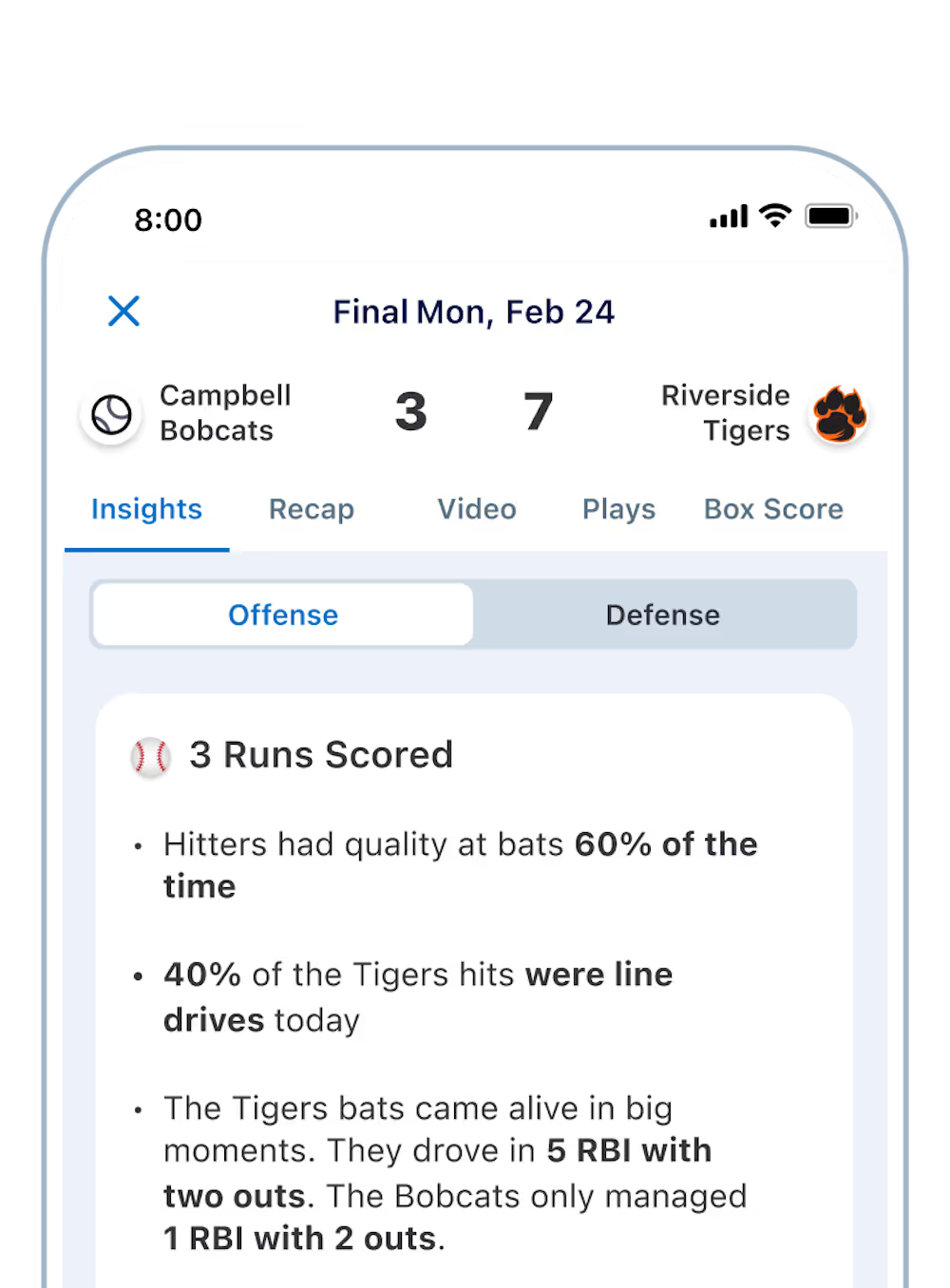
Quickly understand what happened after a game and plan practices with confidence using new game insights from scorekeeping data.
Save time and support confident lineup decisions before each game using new data-driven lineup recommendations.
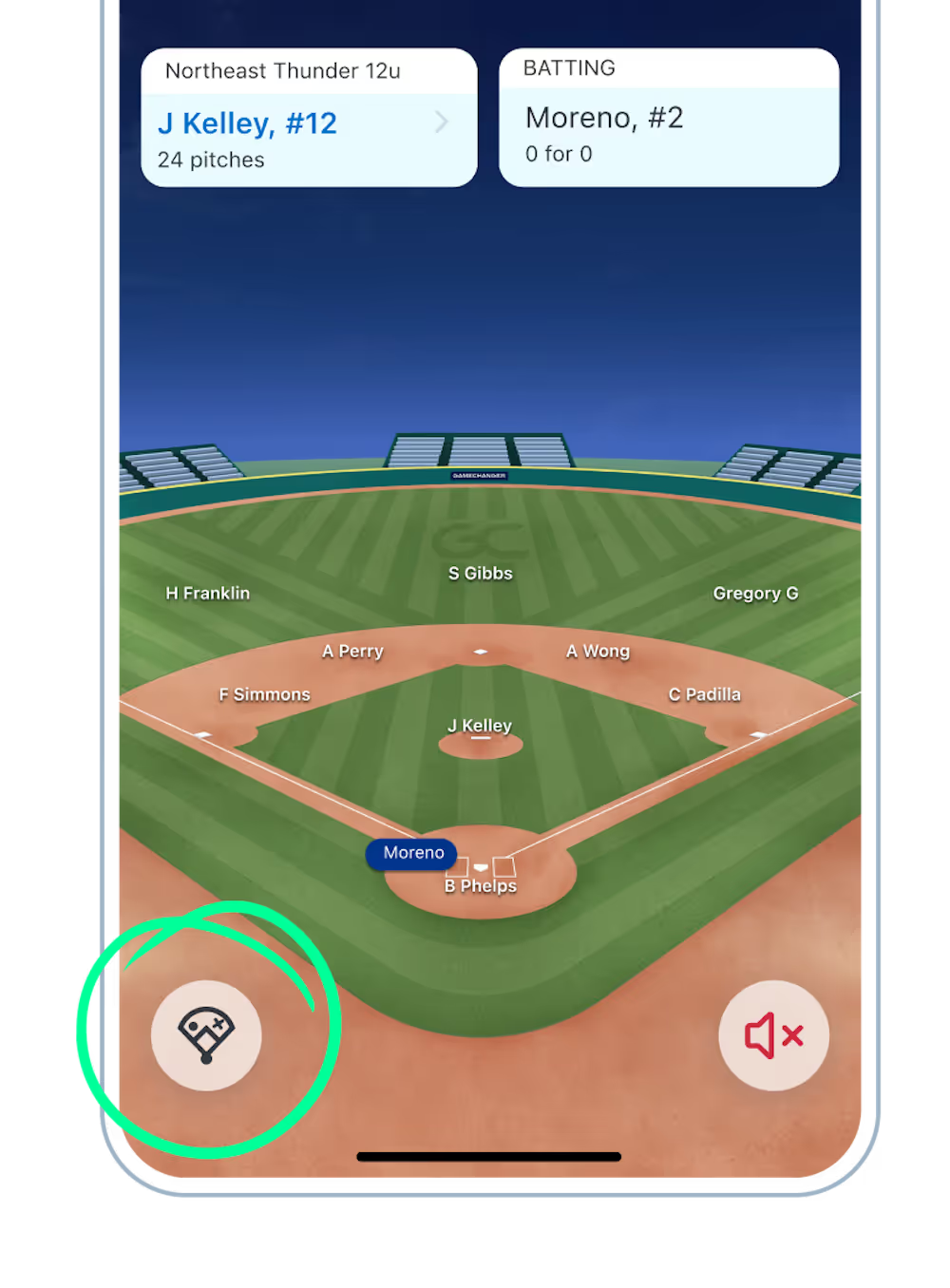
Team staff who aren't scorekeeping can now see spray charts during the game via live GameStream.

CONNECT WITH COACHING STAFF AND PARENTS
For coaches with busy schedules, GameChanger's scheduling and messaging features help you coordinate with parents so you can spend less time working on administrative tasks and more time enjoying the season.

Add practices, games, tournaments, and other team events to the schedule.
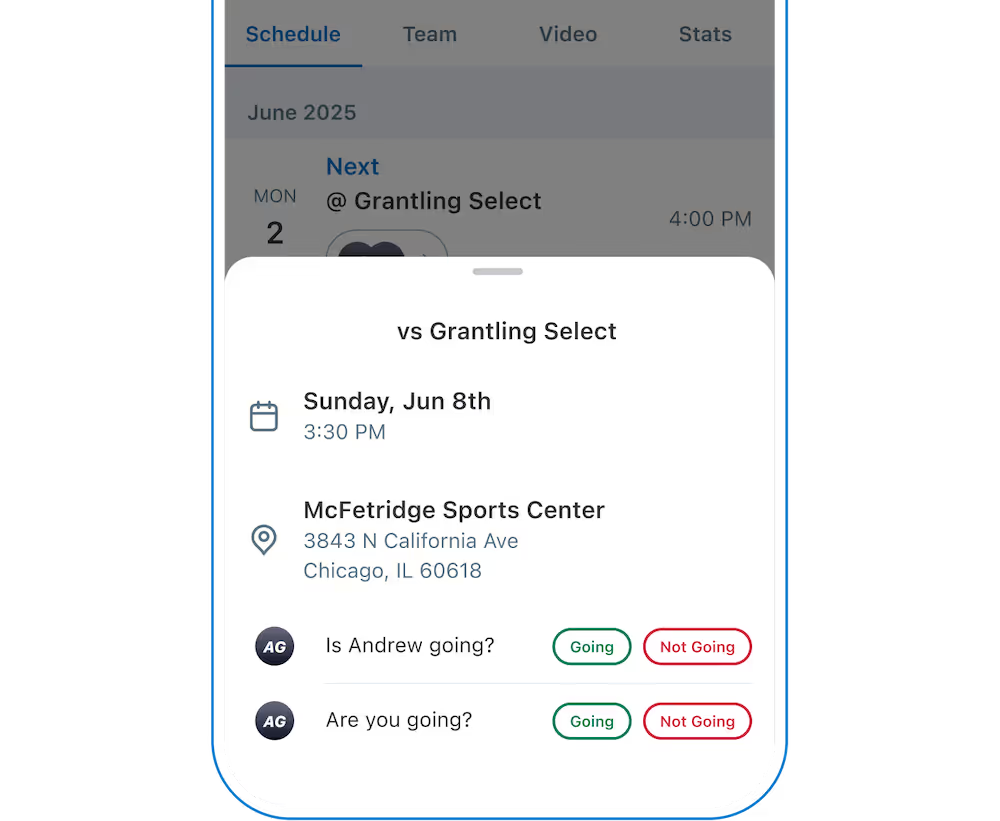
Track which players and family members will be able to attend each event with easier RSVP. Families and athletes can now respond to multiple events directly from the team schedule page.
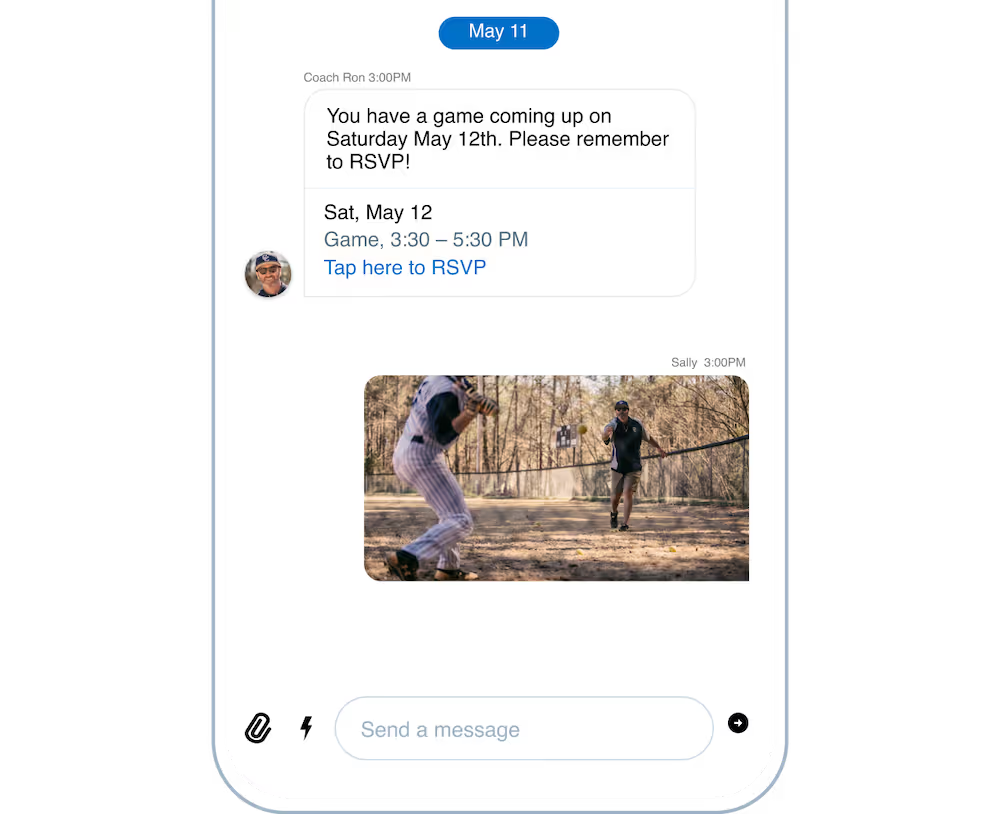
Share last-minute schedule updates, coordinate rides, and quickly communicate with parents through team messaging.
Assign trusted community members smarter scoring and streaming assignments including scorekeeper and videographer, so everyone knows who is responsible on game day.
STREAM VIDEO TO ENJOY NOW AND LATER
For coaches aiming to elevate performance, GameChanger helps you capture high-quality video so you can review plays, reinforce growth, and coach with confidence.
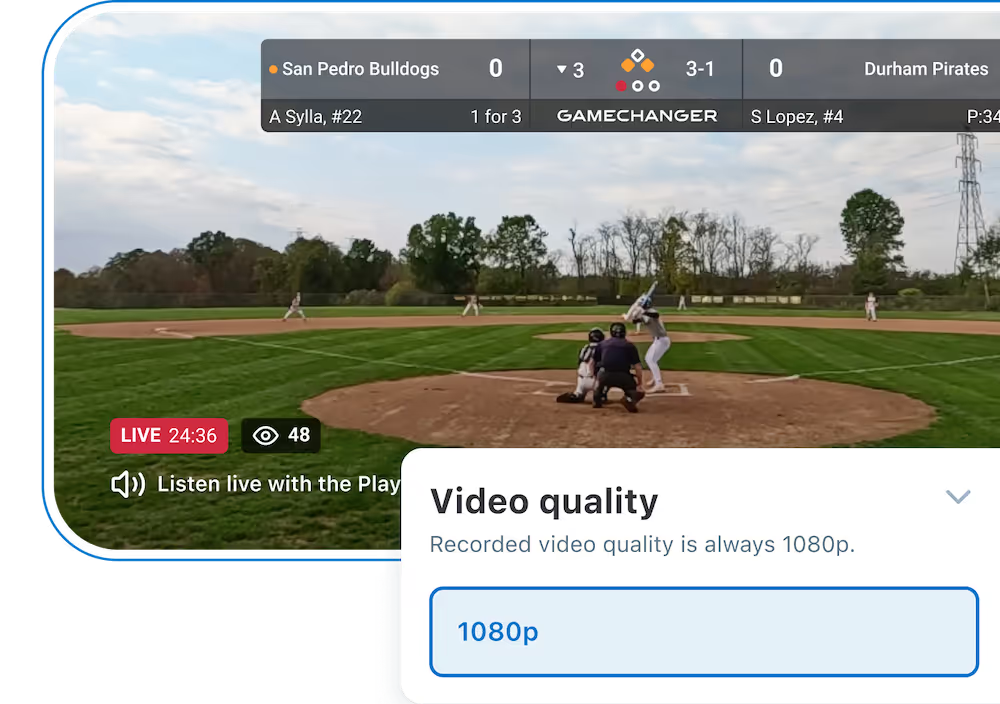
Any team staff or designated team family member can now stream in High Definition (1080p), so subscribers can watch full HD live streams where supported.
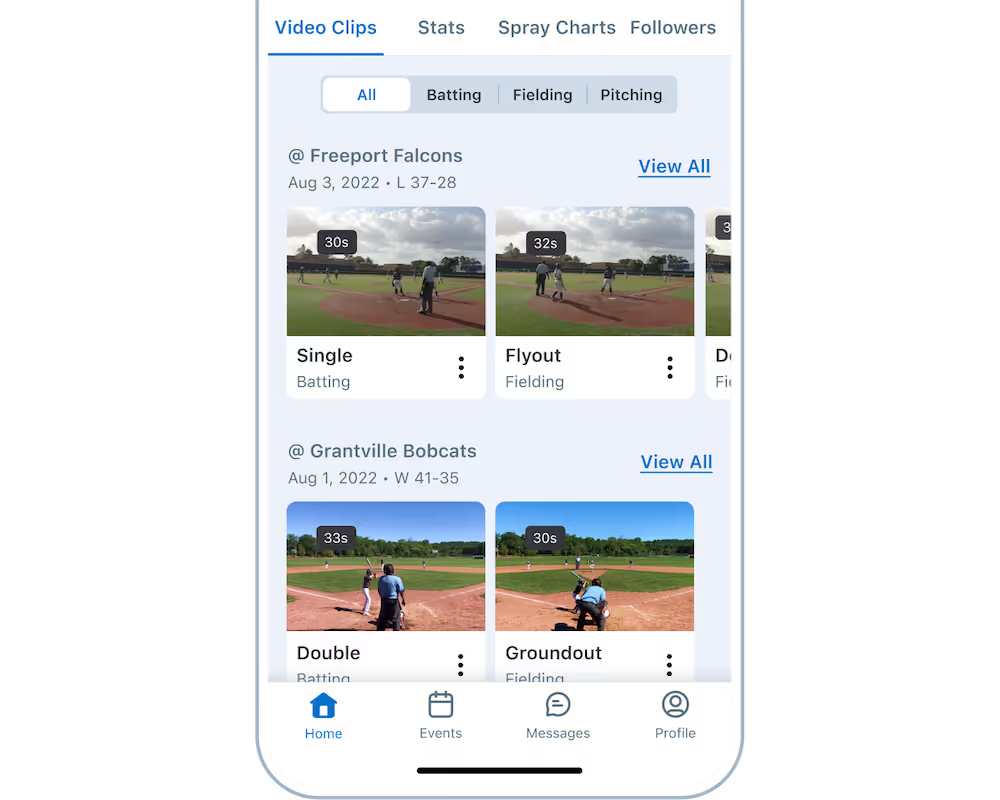
Enjoy Automatic Highlight Clips of every play or point scored by your team to share with family and players.
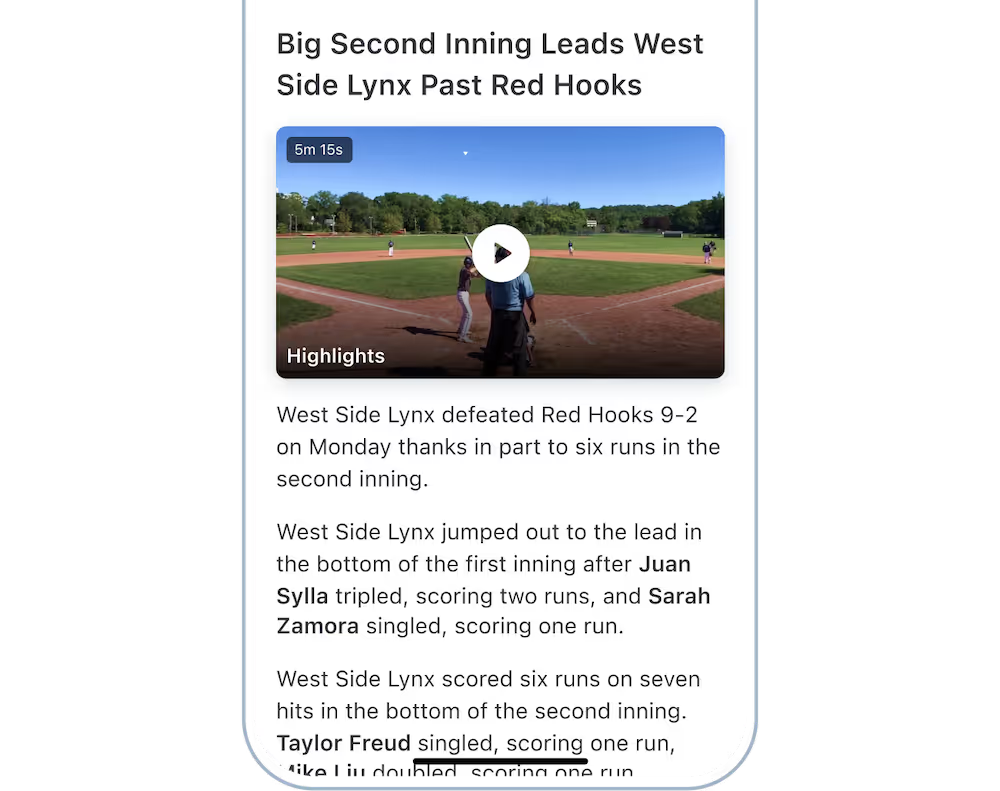
Coaches and Premium subscribers can watch a Game Highlight Reel of the top offensive and defensive moments from a game.
Trusted by Millions of Coaches Nationwide
Trusted Partners Across the Country













1. Create Your Team.
Add your team or organization on GameChanger and set yourseason foundation in minutes.

2. Add Roster and Set Schedule.
Add players, parents, invite fans to join your team community, then input your game and practice schedules.

3. Score And Stream Games.
Capture the action directly in the GameChanger App.

4. Analyze Post-Game Insights.
Review game recaps, track player development, and share exciting moments with families and fans.
Gamechanger
FAQs
Find answers to frequently asked questions. For additional how-tos, new feature details, and help, please visit our support page.
Visit SupportIt’s easy (and free!) to get started as a coach on GameChanger. First, download the app on iOS or Android and create an account. From there, setting up your team is the first step to a successful season. You can create your team in the app or online. Set up your team by selecting your sport, team type, age group, season, and location. Then, add or invite your players and team staff members, input the season schedule, and get ready to make the most of the season.
GameChanger is a free app. All GameChanger features — including premium features — are completely FREE for coaches and staff to use for their team. Parents and fans can join a team, utilize team messaging and scheduling, and tune in to a live stream or animated game stream. Additional features for parents, fans, and families like highlight clips and box scores, are available with a subscription.
Yes! A Plus or Premium GameChanger Team Pass provides parents, players, and fans access to live play-by-plays, game recaps, ad-free live streams, and more throughout the season. A Team Pass can be purchased by a member of the team staff using the GameChanger Web Portal. Read more about how to purchase a Team Pass.
GameChanger allows confirmed family and players to stream games in all sports by default. Team staff are also able to designate certain community members as videographers by updating the Team Permissions from their Team tab.
The staff member streaming the game can choose to allow either only family members and players (if the players are old enough to have their own account) to watch the live stream, or they can also include team fans in the audience, along with family members and players.
We recommend that you are connected to the internet via a stable wifi connection. You can also use cellular data to stream, but please note that this may consume multiple GB of data. To avoid this, you may want to consider using a mobile hotspot.
The Only App You Need This Season